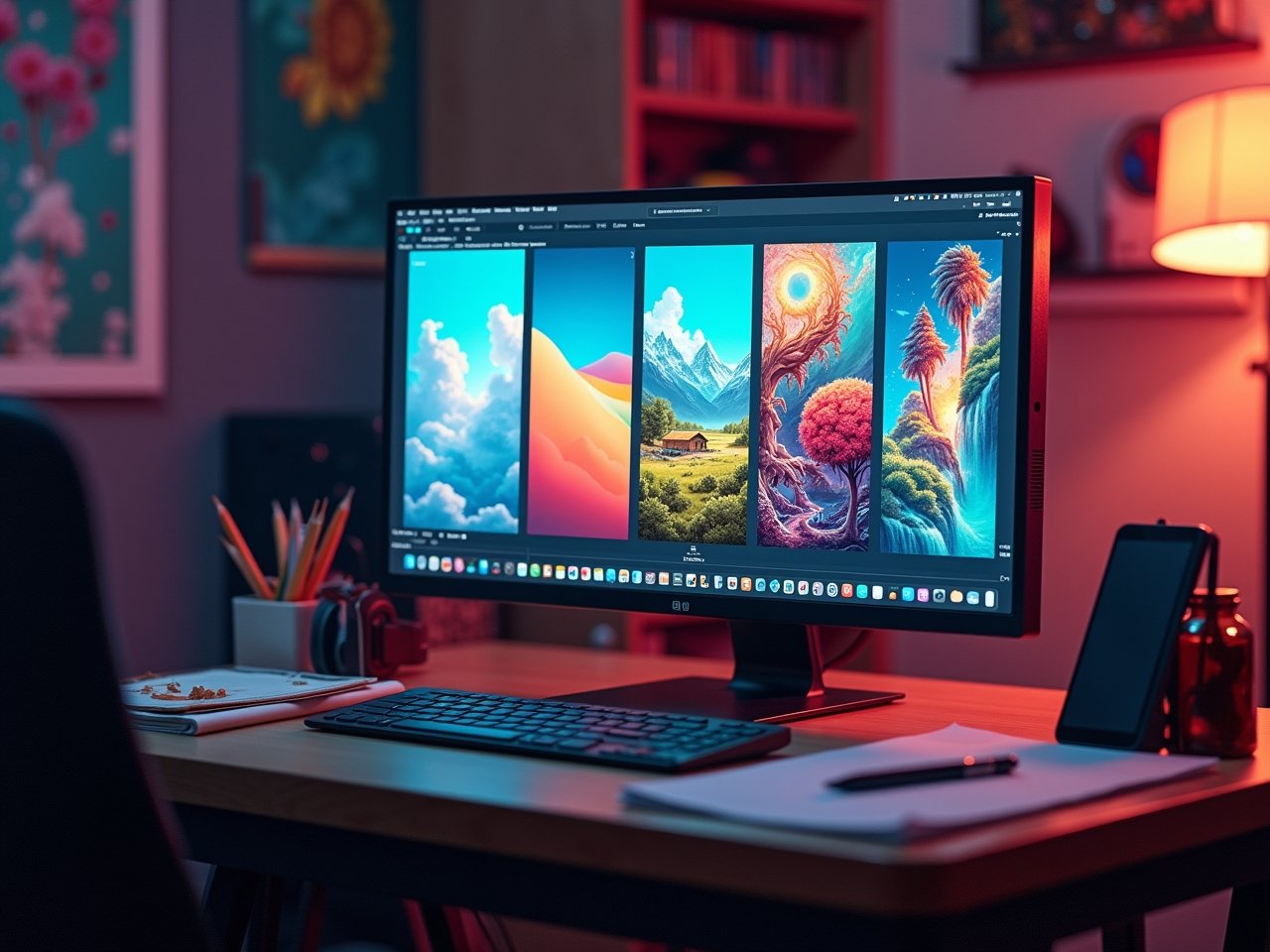
If you’ve ever tried AI art, you’re probably familiar with the paradox: it’s easy to produce one impressive image, but producing ten images that feel cohesive is the struggle. A mismatch in cohesion often makes an AI art portfolio feel disjointed; it can feel more like the product of a random series of experiments than a coherent portfolio of work. Learning how to create a consistent AI art style is key to building artwork that feels unified and recognizable.
If you cannot establish a cohesive style in your work, the reality is that you are likely to create an amateurish and forgettable portfolio. As digital artists, illustrators, or anyone who hopes to incorporate AI art into their production professionally, any lack of consistency can make or break your ability to clinch clients or establish an audience.
Fortunately, consistency is much more than luck. It is a process. By learning how to create a consistent AI art style, you can progress from haphazard generations to a refined, recognizable artistic voice. In this tutorial, we will provide you with a “secret formula” for developing consistency in your work, as well as workflows to establish a process and platform-specific procedures that will offer you greater control of your generated art.
The Foundation of Style Consistency: The “Secret” Formula
3.1 The “Style Guide” Prompt
The very backbone of your style consistency rests on your prompt. Instead of tagging on single descriptive words, you will create a master prompt outlining core style characteristics, for example:
- Medium: digital painting, 3D render, photorealistic
- Artist/Era: stylized by Studio Ghibli, retro 1980s anime, Van Gogh
- Lighting: cinematic lighting, soft daylight, dramatic high contrast
- Color Palette: muted earth tones, pastel palettes, neon colors
- Composition: wide cinematic frame, close up portrait, balance through symmetry
Photodocument your style guide prompt and keep reusing it each time allowing your generations to carry your unique aesthetic inherently.
3.2 Reference is Power
And when relying solely on words won’t cut it, you can lean on visuals. Use image-to-image or style reference options to create an anchor image, letting AI establish your tone. For instance, if you love the painterly texture of one of your outputs, let it serve as your reference image and ship new generations that will attribute its tone, color, and structure.
3.3 Technical Control: Seeds, Weights, and Parameters
Sometimes all the numbers are the difference between chaos and control. Seed values will provide repetition while prompt weights will allow priority on certain attributes. The parameters defined will dictate to what degree the AI balances creativity and constraints.
A 4-Step Workflow for Consistent AI Art
Step 1: Explore and Establish Your Style.
Start broad when exploring. Generating images, in multiple styles (variations included) will allow you to find a style to work with. Once you find it, write everything down: What prompt you used, including seed, resolution, and tool will help. A spreadsheet application or basic notepad will keep you organized and prepared for the next step.
Step 2: Create a “Reference Anchor”
Select one image that you feel is the best embodiment of your style, the “Reference Anchor”. This image is a visual context that will relate everything new to.
Step 3: Prompt, Generate, and Refine
Incorporate your style guide prompt with the reference anchor and begin to iterate. Keep in mind, this is like for a photographer adjusting lenses and lighting to create the image and specific composition desired.
Step 4: Curate and Post-Production
When generating AI art, no output will be a winner. Curate, cleanse, and then polish. In Photoshop or Lightroom you can make very small adjustments to saturation, contrast and sharpness to unify even minimally different outputs.
Tool-Specific Methods for Consistency
Here are some of the best AI tools for generating professional AI art:
Midjourney: Style Reference & Weighting
Midjourney utilizes two specific parameters for identity and style borrowing –sref and –sw are the parameters that will allow you to borrow style from a reference image and control the strength of the style. With characters particularly, –cref will keep characters in consistent poses or settings.
Example prompt:
A fantasy warrior in cinematic lighting --sref [image link] --sw 500 --cref [character ref]
Stable Diffusion: LoRAs and ControlNet
If you are comfortable with an open-source app and conceptual tinkering, activate LoRAs with your own images. LoRAs are lightweight models you can train to Stable Diffusion’s style. When you train the LoRA on your source image, you have effectively taught Stable Diffusion your style. Combine and extend this approach by activating ControlNet which can be adapted to lead and control for unique poses, structures and composition – giving you consistency and pixel-perfect results.
Leonardo.Ai & Adobe Firefly: User-Friendly Presets
If you’re an artist who prefers a simple plug and play experience or even artists who prefer nothing to do with a learning curve, these tools will offer pre-trained style presets with interesting intuitive controls. These AI image generation tools are generally less customizable than the previous generations. Still, they will provide a great way to create a cohesive and consistent-looking output without much consideration for the telling factor parameters or conducting intensive variations.
Building Your Portfolio: Presentation Matters
Share Your Process
Adding your prompts and settings when you share finished pieces shows professionalism and transparency, two valuable traits when attracting clients and collaborators.
Organizing Within Genre Collections
Instead of grouping pieces by mixing genres, try systematically organizing your portfolio, into coherent collections (e.g. “Neo-noir portraiture”, “Pastel fantasy landscapes”). This allows you to maintain range while also preserving some internal consistency.
Platforms to Share Your Work
- ArtStation – best for getting exposure with a primarily digital art inclined audience
- Behance – suitable for a creative portfolio across various creative industries
- Personal Website – provides you with ultimate control over presentation and branding (👉 read about building a professional portfolio using AI here)
For credibility, check resources like Adobe’s official AI tools page to stay updated with professional AI art workflows.
Overview
Learning how to create a consistent AI art style does not mean diminishing your creativity and spontaneity, but it helps give compiled works structure, identity, and voice. With enough practice to master prompts, utilizing your references, and understanding the tool-specificities, such as LoRAs or style weights, you will be able to transition your collection pieces into a professional portfolio.
Consistency will change “cool images” into a recognizable brand name. Instead of allowing randomization to create your art, I encourage you to start crafting your own continued style guide today, and watch your portfolio continue to grow into something worth remembering.